One consultant, ten clients, every one in order
Package your expertise as a library and apply it to each client in one click; import interview sheets directly; generate reports automatically.
Screenshot: Multi-client project dashboard
Your day
- Morning
- Open the dashboard and see progress and overdue tasks across ten client projects.
- Late morning
- Interview at client A; the completed sheet imports straight into the SSP — no retyping back at the office.
- Afternoon
- Client B uploaded two hundred files yesterday; AI has already sorted them, twenty minutes to confirm.
- End of day
- Client C is closing; the report generates itself and you write only the conclusion.
Three scenarios
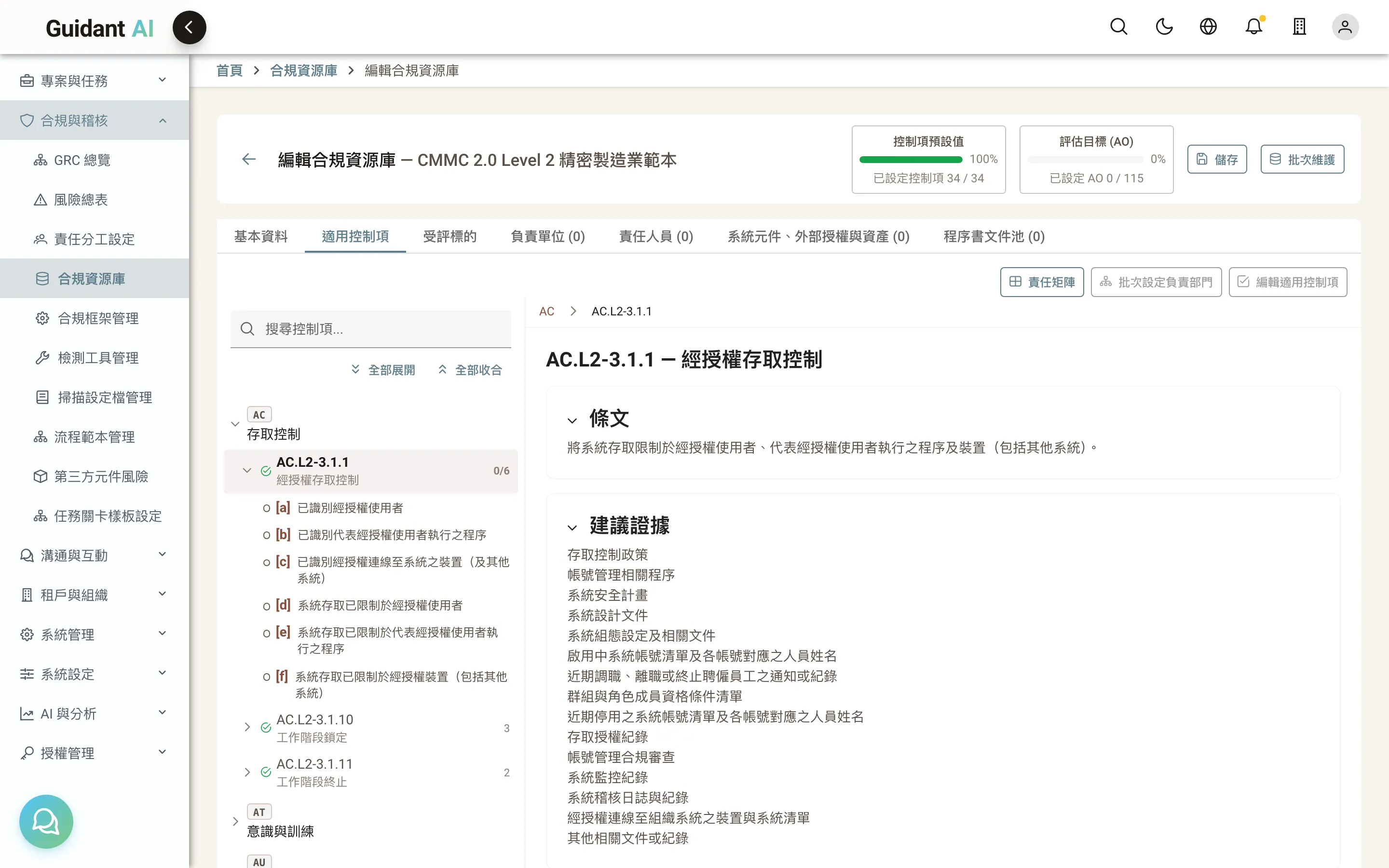
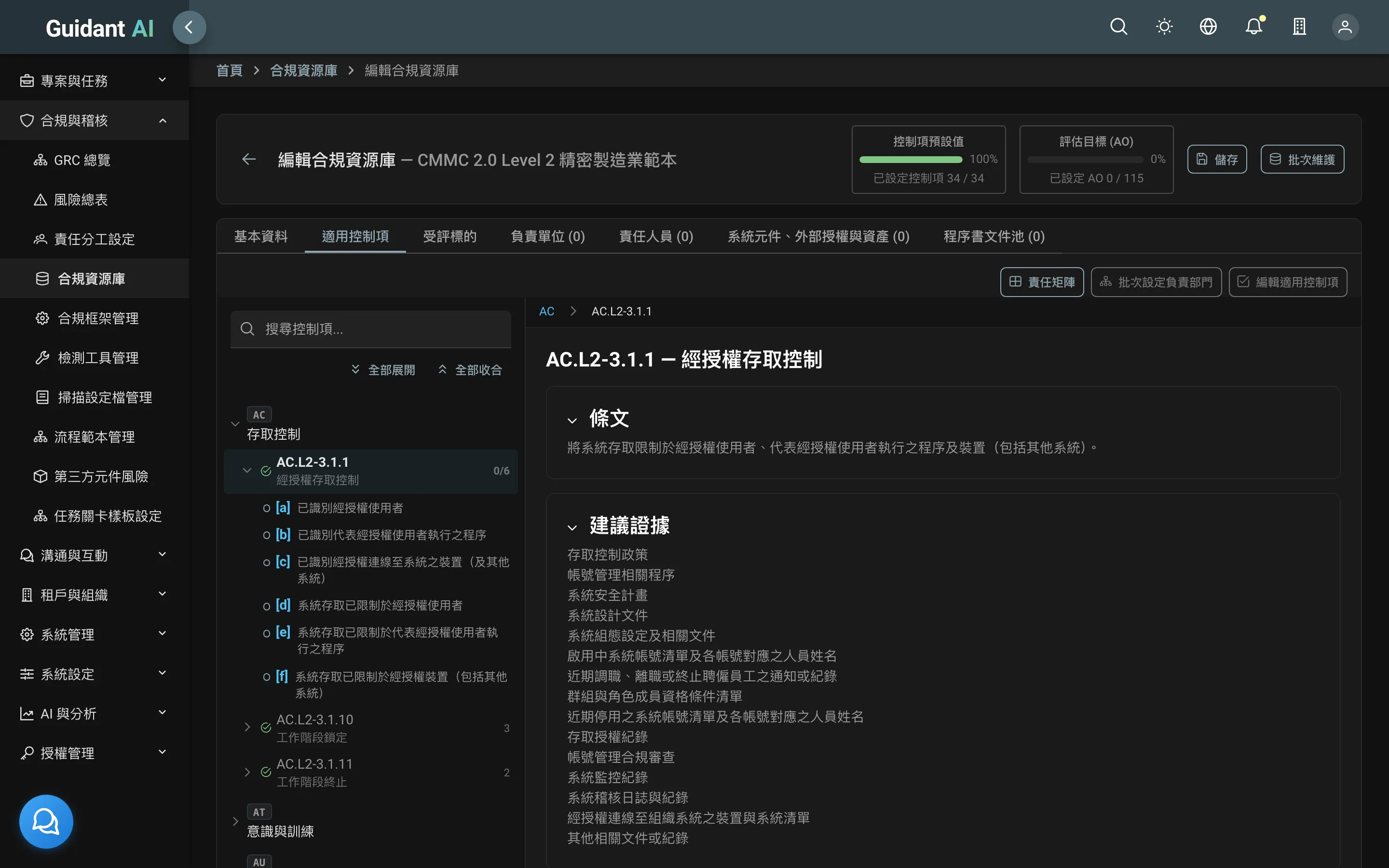
Libraries: build once, use ten times
Control selections, SSP templates, audit workflows and form settings become your firm's library. Pick it when starting a new client project and it's set up in three minutes. Update the library when a framework changes; projects in flight aren't disturbed.
Many clients, many tenants
Each client is a tenant with fully isolated data; you switch between them with one account. Client staff see only their own projects.
Screenshot: Tenant switcher
Deliverables generated for you
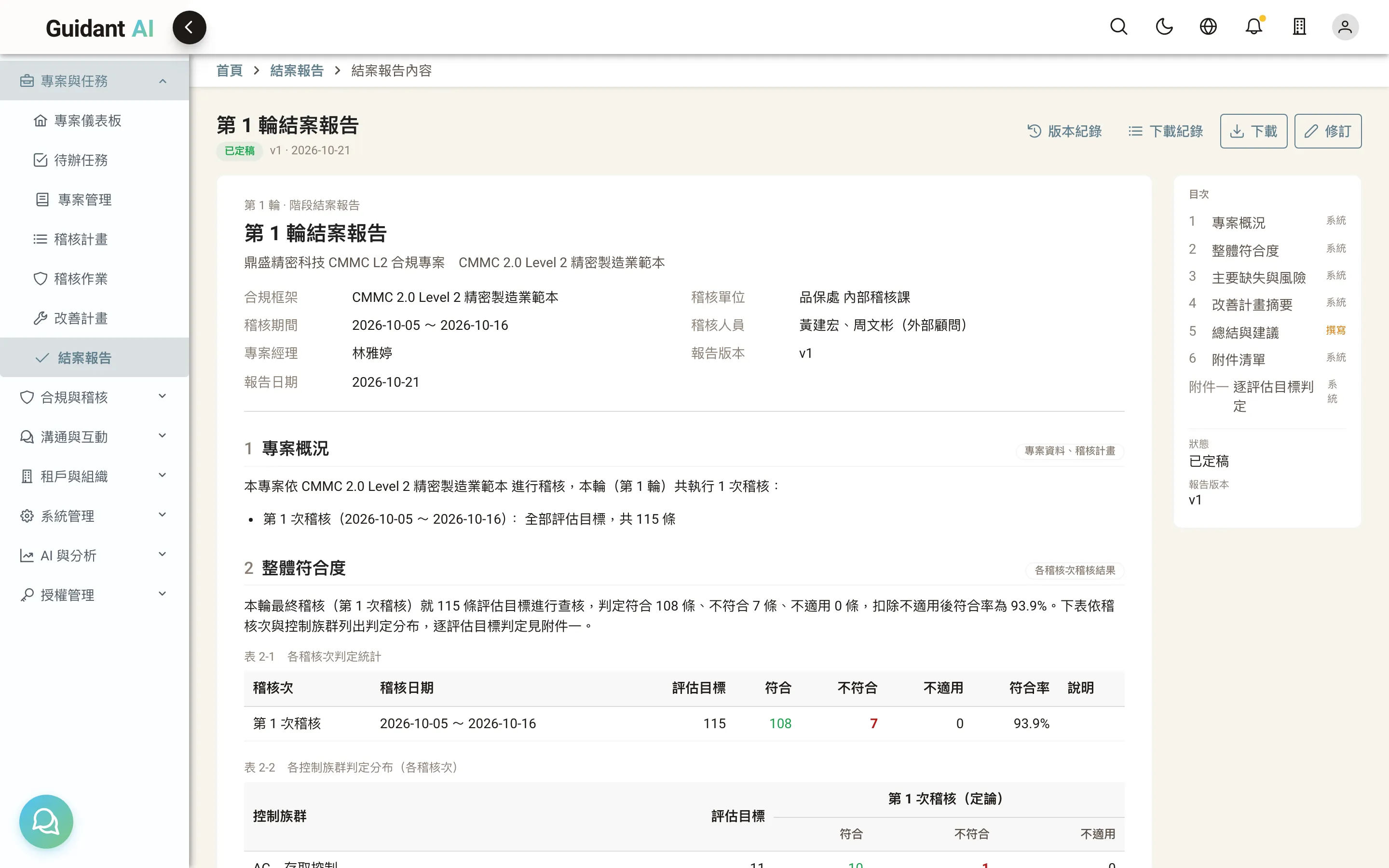
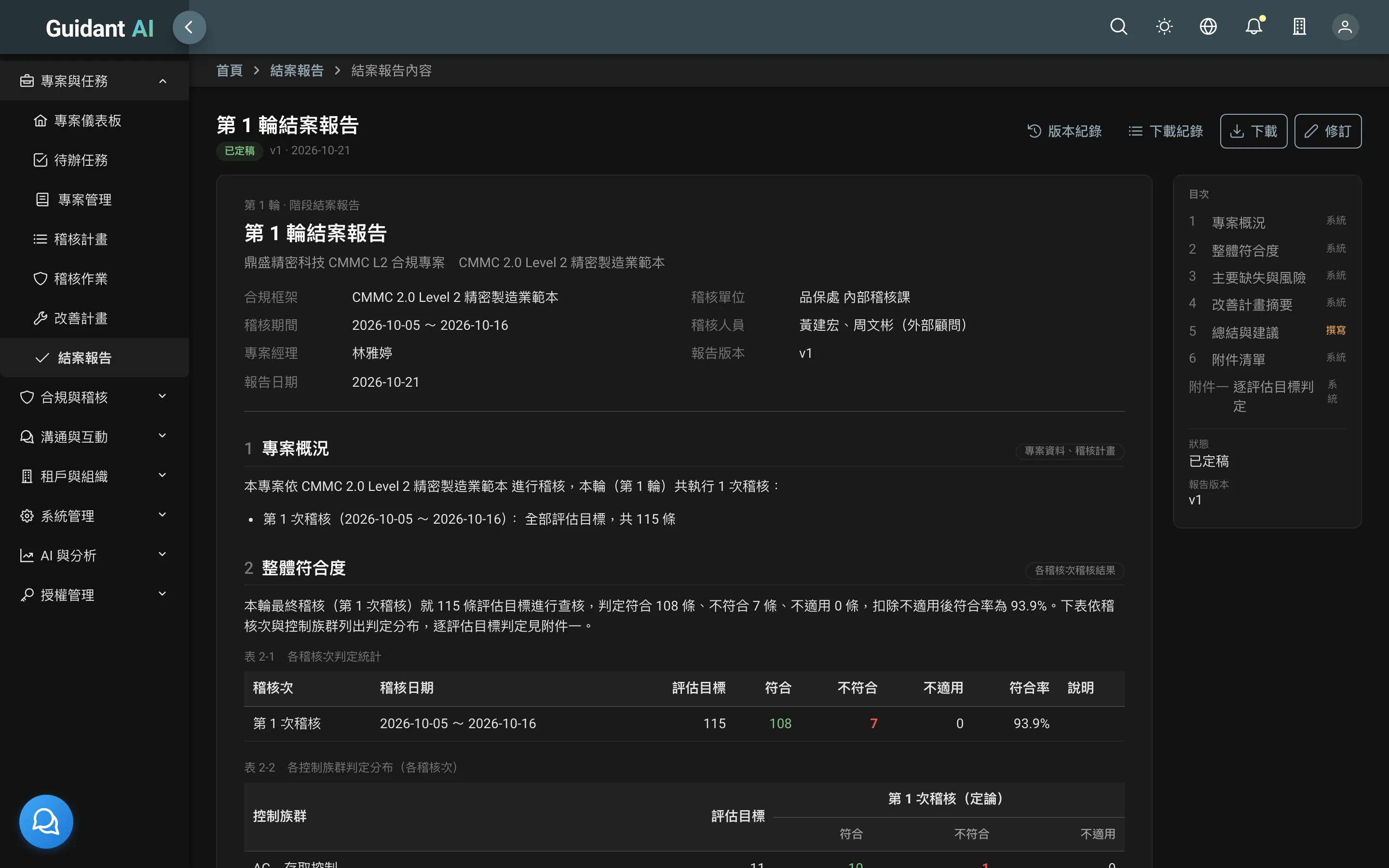
SSP (Word), audit plan and results (Excel), remediation plan, closing report (Word/PDF) — all generated from system data, consistently formatted, no layout work.
Frequently asked questions
Either. Multi-client management usually runs at the firm; clients with data-residency requirements install it in their own data center and you sign in remotely with a restricted account.
Related guides
Go to the compliance guides →