Stop uploading scan reports by hand
A scanning agent inside your network runs eight tools; results become audit evidence automatically.
The problem
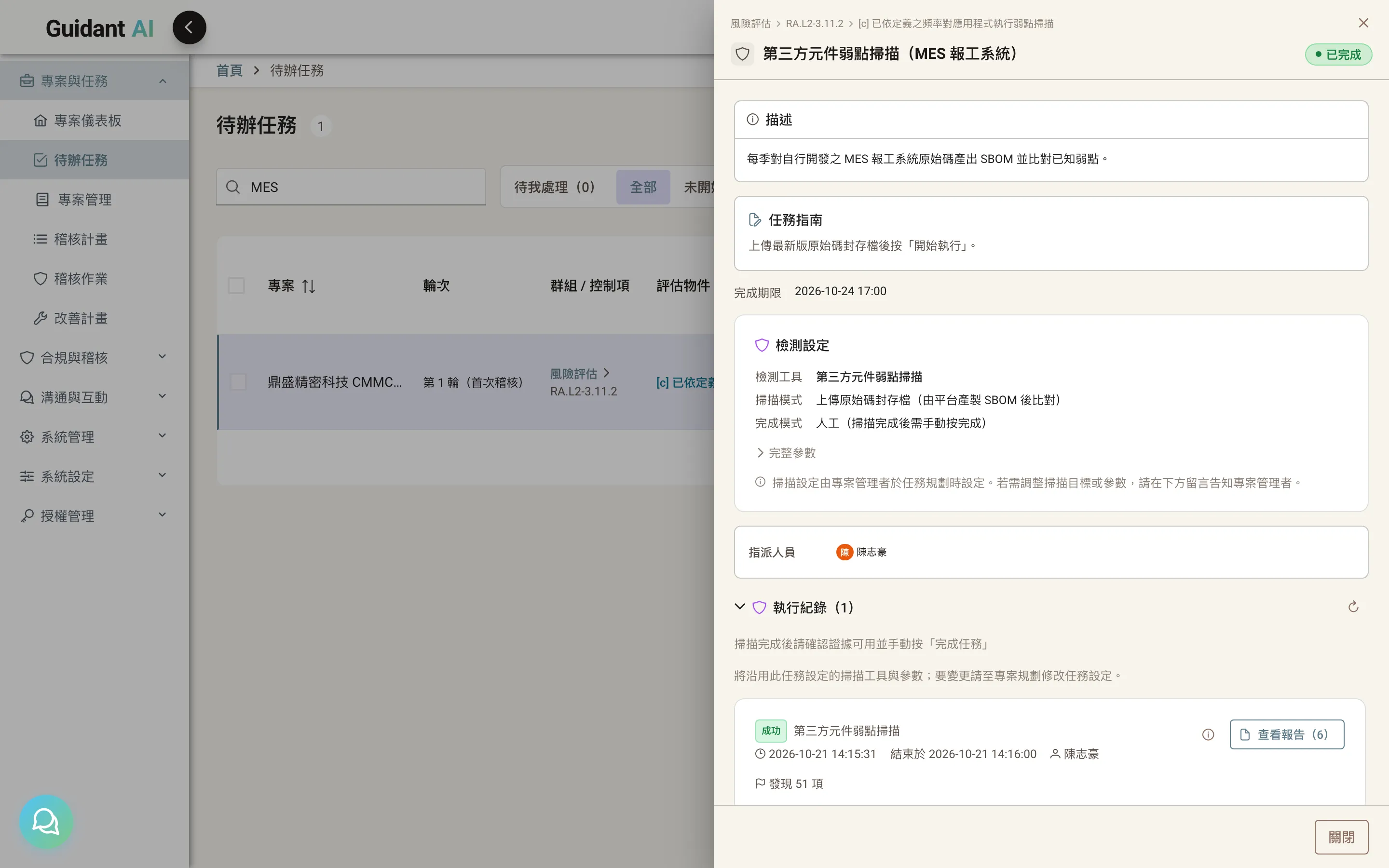
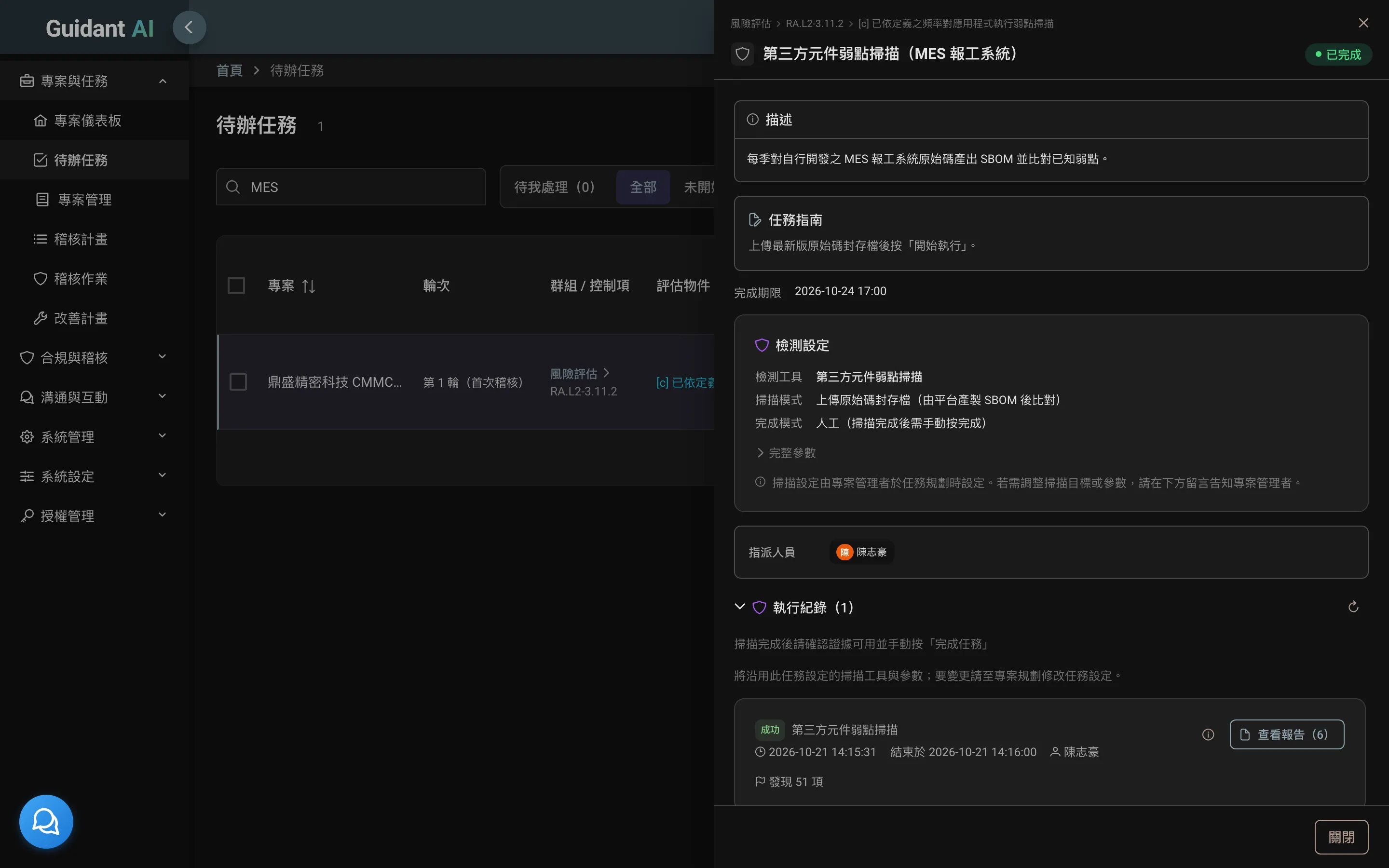
Technical controls — vulnerability scans, configuration baselines, code security — need a report every quarter. It used to be: security runs the tool, exports, uploads. Now you dispatch from the platform and the agent brings the report back.
01
The scanning agent
Installed on your network segment, dispatched from the platform
A lightweight agent runs in your environment and connects back over mutual TLS. Click "run scan" on a task; the agent runs the tool and returns the report, which attaches to the task as evidence. Scanning can be restricted to authorized subnets.
02
Eight tools, one set of profiles
| Tool | Purpose | License |
|---|---|---|
| OpenVAS | Vulnerability scanning | Included |
| Nessus | Vulnerability scanning | Customer-provided license |
| Nmap | Port and service discovery | Customer-installed |
| OWASP ZAP | Web application scanning | Included |
| OpenSCAP | OS configuration baselines | Included |
| CINC Auditor | Configuration compliance | Included |
| Taiwan GCB | Government Configuration Baseline checks | Included |
| SonarQube | Code security | Customer-provided license |
Scan profile management: which control uses which tool and baseline — the consultant sets it once, projects reuse it.
03
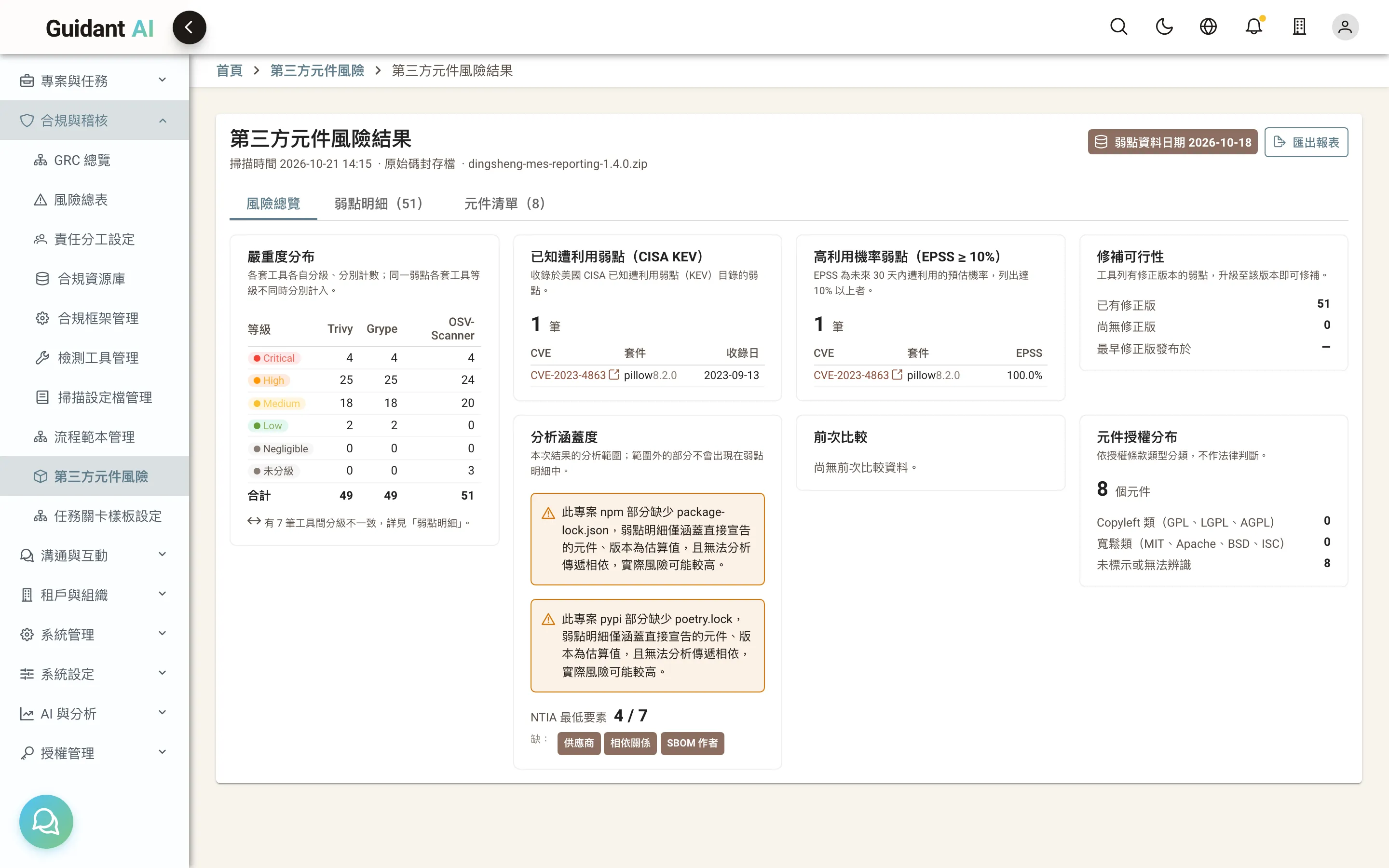
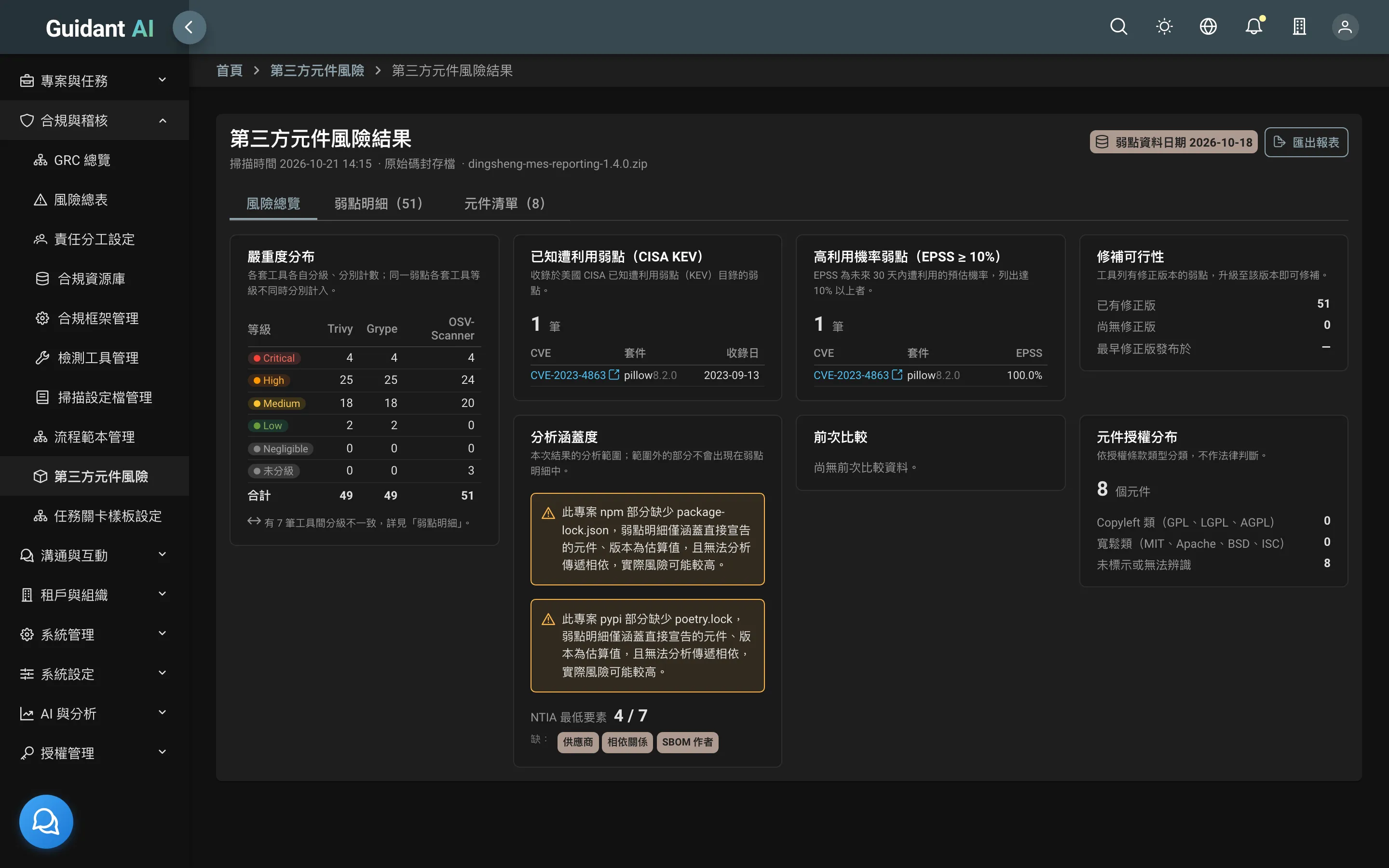
Third-party component risk (SBOM)
Which open-source components your software uses, and which have known vulnerabilities
Upload source code or an SBOM, generate CycloneDX/SPDX, cross-check with three vulnerability tools, and flag KEV (known exploited) and EPSS (exploitation probability). Reports state facts without verdicts, readable by non-technical consultants. Set alerts for "new high-severity vulnerability."